How to Find Logged In Users on Windows
Hello! Here are few ways to find all users currently logged into a system.
Task Manager
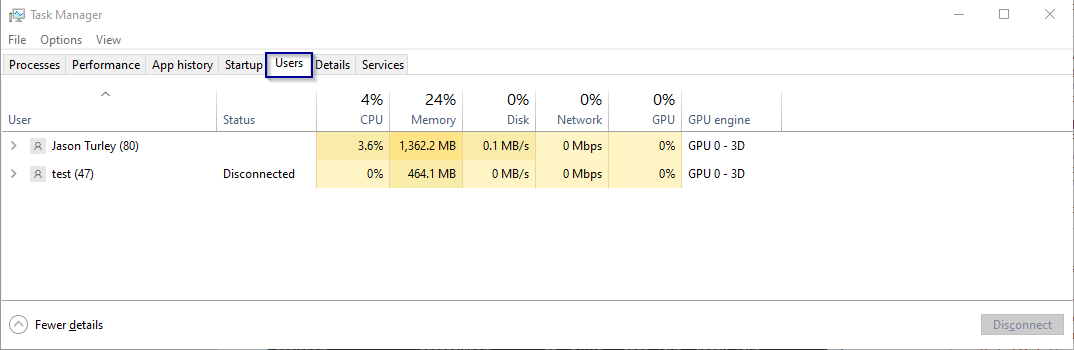
Open the Task Manager application and navigate to the “Users” tab. There will be a list of the currently logged in users and the number of processes they are running in parenthesis.
quser command

The quser command displays which users are logged on to a system. It includes
useful information such as what time they logged on, their current state, and how long
they’ve been idle.
Open a command prompt and run quser (short for query user)

Check out the full Microsoft documentation here.
qwinsta
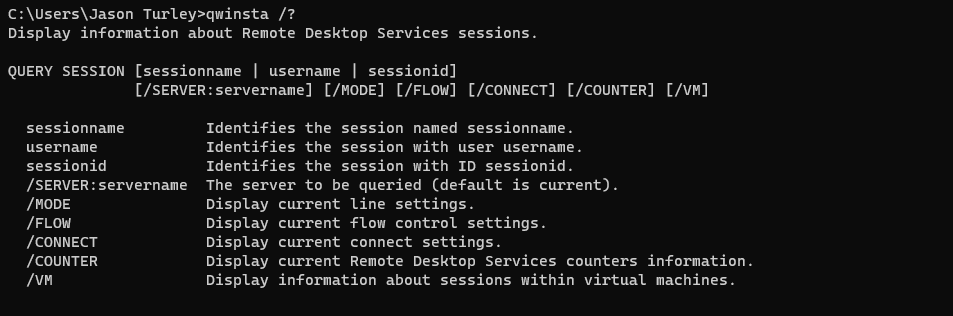
The qwinsta command is very similar to quser, except that it is primarily geared
towards RDP sessions. However, it can still be used to view logged on users on a
local system.
Open a command prompt and run qwinsta.

Check out the full Microsoft documentation here.